How To Use DeepSeek For Translation English To Urdu And Sindhi
Use DeepSeek For Translation English To Urdu And Sindhi
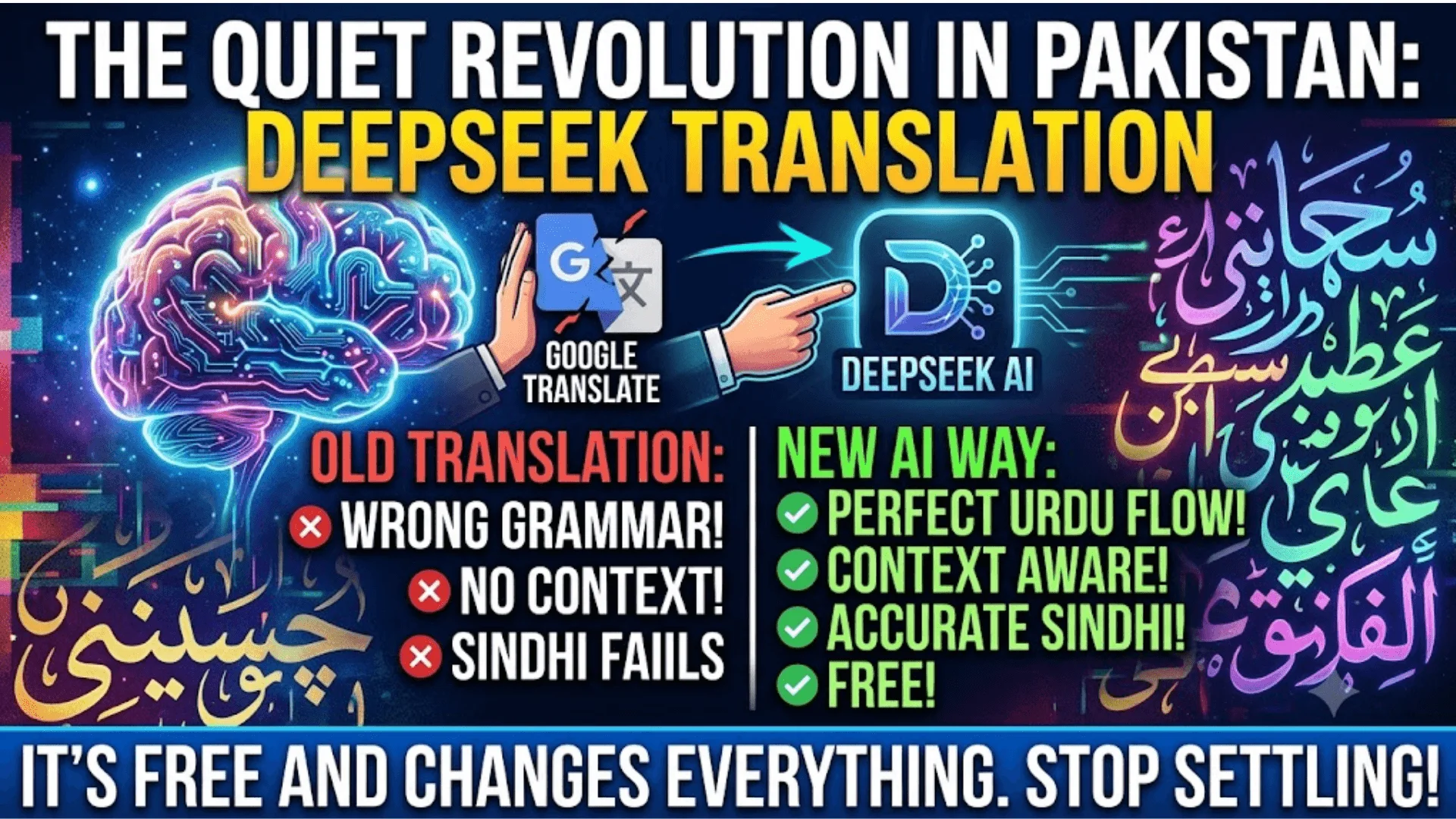
Most Pakistanis using AI translation tools are still stuck with Google Translate or basic apps that completely butcher Urdu grammar. But something changed quietly in 2026, and not many people caught it. DeepSeek, the AI model that shook the global tech world, can now handle Urdu and Sindhi translations with a level of contextual accuracy that most paid tools fail to deliver.
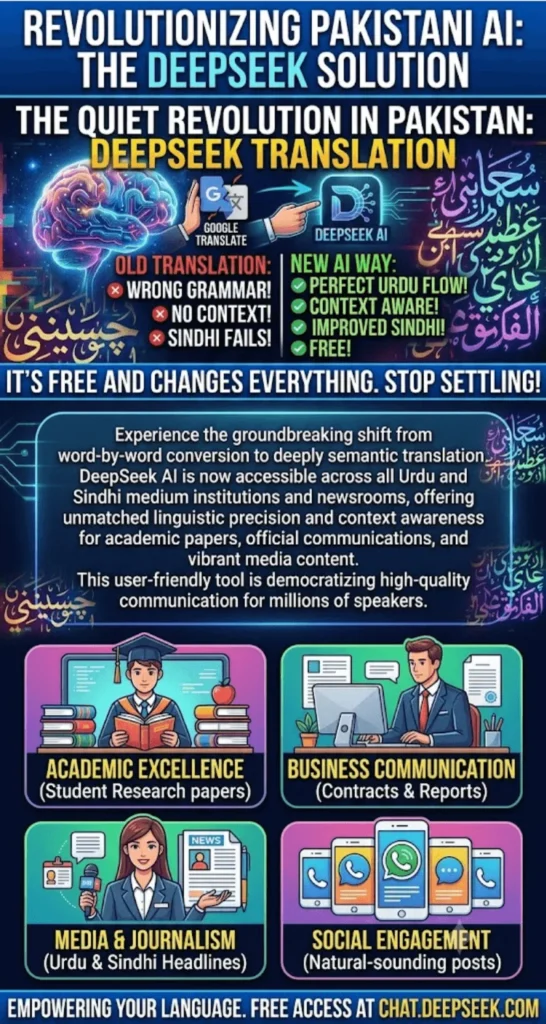
Whether you are a student in Karachi translating research papers, a journalist in Lahore writing for regional audiences, or a small business owner in Hyderabad creating Sindhi content, DeepSeek gives you a free, intelligent translation option that actually understands sentence structure, not just word-for-word conversion.
DeepSeek Data Privacy Is Your Data Safe Complete Review 2026
Quick Answer
DeepSeek can translate English text to Urdu and Sindhi by entering a simple prompt like “Translate the following into Urdu:” followed by your text. It supports both Nastaliq script for Urdu and Sindhi, handles idiomatic phrases better than most free tools, and is accessible via browser at chat.deepseek.com at no cost.
Quick Info Table
| Feature | Details |
| Tool Name | DeepSeek AI (Chat Interface) |
| Website | chat.deepseek.com |
| Cost | Free (basic usage) |
| Languages Supported | English, Urdu, Sindhi, and 20+ others |
| Script Output | Arabic/Nastaliq script for Urdu and Sindhi |
| Internet Required | Yes |
| Available in Pakistan | Yes, fully accessible |
| Best For | Students, journalists, content creators, businesses |
How To Connect DeepSeek With WhatsApp Business In Pakistan
Why Pakistani Users Are Choosing DeepSeek for Urdu Translation
Google Translate has been the default choice for years, but anyone who regularly writes in Urdu knows how often it misreads sentence flow, reverses subject-object order, or drops nuance entirely. DeepSeek operates differently because it processes language through a large language model trained on a wide corpus, which means it understands context before it outputs a translation.
When tested with complex Urdu sentences involving formal register, journalistic tone, or religious vocabulary, DeepSeek performed noticeably better than standard machine translation tools. It also allows users to specify the tone, which is something no basic translator offers. You can ask it to translate formally for an official letter or casually for social media content, and it adjusts accordingly.
DeepSeek For Doctors In Pakistan Medical Research Tool Guide 2026
How to Access DeepSeek in Pakistan
Opening DeepSeek is straightforward for Pakistani users. No VPN is required, and no account is mandatory for basic usage, though creating a free account unlocks longer conversation history.
- Open your browser and go to chat.deepseek.com
- You can sign up using a Gmail or phone number (Pakistan numbers are supported)
- The interface is in English but fully capable of producing Urdu and Sindhi output
- Mobile users can access it via the same URL on Android or iOS browsers
- A DeepSeek app is also available on Android, downloadable through APK from the official site if not available in your regional Play Store
How To Use DeepSeek For Cooking Recipes In Urdu Pakistani Dishes
Step-by-Step Guide Translating English to Urdu with DeepSeek
Getting accurate Urdu translations from DeepSeek depends heavily on how you write your prompt. A weak prompt gives a weak translation. Here is how to do it properly.
First, open DeepSeek Chat and start a new conversation. Type your instruction clearly before pasting the English text. The model reads the instruction first, so the cleaner your prompt, the more accurate your result. Avoid pasting raw English text without any context or instruction, because the model may respond in English instead of switching to Urdu output.
- Write: “Translate the following English text into Urdu using formal language:”
- Paste your English paragraph below the instruction
- Press enter and wait 3 to 5 seconds for the Urdu output
- If the script appears incorrect, add: “Please write the Urdu in Nastaliq script only”
- For informal tone, write: “Translate this into simple everyday Urdu as spoken in Pakistan”
- To get multiple translation options, ask: “Give me three different Urdu translations of this sentence”
DeepSeek Image Generation Feature How To Use It Free In 2026
Translating English to Sindhi What You Need to Know
Sindhi is significantly underrepresented in most AI translation tools, which makes DeepSeek’s ability here more interesting. The model can produce Sindhi text in Arabic script, which is the standard script used in Pakistan’s Sindhi-medium schools and publications, including major outlets like Kawish and Awami Awaz.
The accuracy of Sindhi translation in DeepSeek is not perfect for highly technical vocabulary, but for standard content, news articles, social media posts, and educational material, it performs well above expectations. One important thing to keep in mind is that Sindhi has regional dialect variation. If your target audience is in interior Sindh versus Karachi, the vocabulary choices may differ, and you can actually prompt DeepSeek to account for this.
- Write: “Translate this English text into Sindhi using Arabic script:”
- Specify dialect if needed: “Use Sindhi as spoken in Larkana / Hyderabad / Karachi”
- Ask for simplification: “Translate this into Sindhi suitable for a Class 8 student”
- Request script check: “Make sure all letters are in standard Sindhi Arabic script”
- For media use: “Translate this into Sindhi suitable for a newspaper headline”
How To Use DeepSeek For IELTS Preparation Complete Guide Pakistan
Tips to Improve Translation Accuracy in DeepSeek
DeepSeek is a conversational AI, which means you can correct it mid-conversation. If a translation sounds off, do not start over. Just type your feedback and it will revise.
One effective method is to paste the translated Urdu back and ask DeepSeek to review it for grammatical errors. This double-pass technique catches issues that the first pass may miss, especially with long paragraphs that contain subordinate clauses or compound sentences.
- Always break long texts into shorter paragraphs before translating
- Use the word “idiomatic” in your prompt to get more natural Urdu phrasing
- For legal or medical content, add: “Use formal and technical Urdu/Sindhi vocabulary”
- After translation, ask: “Does this translation preserve the original meaning accurately?”
- Avoid pasting text with formatting symbols like asterisks or hashtags, as they can confuse the output
DeepSeek For Real Estate Agents In Pakistan Property Listings Guide 2026
Common Mistakes Pakistani Users Make with AI Translation
Many users treat DeepSeek like a copy-paste machine and then complain about inaccurate results. The tool is only as good as the instruction it receives.
One common error is translating very long documents in a single prompt. DeepSeek has a context window, and pasting 2,000 words at once often results in mid-text quality drops. Breaking content into 200 to 300 word chunks and translating section by section produces far cleaner results.
- Do not paste English text without a translation instruction
- Do not expect 100% accuracy for technical, medical, or legal vocabulary without verification
- Do not use the free version for large-scale translation without reviewing the output
- Do not ignore dialect differences between Urdu spoken in Karachi vs Lahore vs Islamabad
- Do not assume Sindhi script is automatically Nastaliq, always confirm in your prompt
How To Run DeepSeek R1 Model Locally On Windows PC Free
DeepSeek vs Google Translate for Urdu and Sindhi
| Feature | DeepSeek | Google Translate |
| Urdu Accuracy | High (context-aware) | Medium (word-level) |
| Sindhi Support | Available | Limited |
| Tone Control | Yes | No |
| Script Output | Nastaliq supported | Basic Arabic |
| Cost in Pakistan | Free | Free |
| Offline Use | No | Yes (app) |
| Prompt Customization | Yes | No |
DeepSeek For Accountants In Pakistan Tax Calculations Aur Reports 2026
FAQ Section
Can DeepSeek translate English to Urdu for free in Pakistan?Yes, DeepSeek is completely free to use at chat.deepseek.com and is fully accessible in Pakistan without any VPN.
Does DeepSeek support Sindhi language translation?
Yes, DeepSeek can translate English to Sindhi in Arabic script, though accuracy improves when you specify the dialect and target audience in your prompt.
Is DeepSeek better than Google Translate for Urdu?
For context-heavy, formal, or idiomatic translation, DeepSeek generally produces more natural Urdu output than Google Translate.
How do I get Nastaliq Urdu script from DeepSeek?
Simply include “write in Nastaliq script” or “use standard Urdu script as written in Pakistan” in your translation prompt.
Can I use DeepSeek to translate Urdu content for social media?
Yes, just specify the tone. Ask for “casual Urdu suitable for Instagram or Facebook” and DeepSeek adjusts the register accordingly.
Is there a DeepSeek app available in Pakistan?
DeepSeek has an Android app. If it is not available in your regional Play Store, the APK can be downloaded from the official DeepSeek website.
Can DeepSeek translate entire documents from English to Urdu?
It can, but for best results, paste content in sections of 200 to 300 words rather than uploading entire documents at once.
How To Use DeepSeek for Ecommerce Product Descriptions In Pakistan
Conclusion
DeepSeek has quietly become one of the most practical free tools for Urdu and Sindhi translation available to Pakistani users right now. It is not flawless, and technical content still needs human review, but for everyday writing, educational material, journalism, and social media, it delivers results that paid tools often cannot match at this price point.
As AI language models continue to improve their understanding of South Asian languages, tools like DeepSeek will only get more accurate and more useful for regional content creation. Pakistani creators, educators, and businesses who start using these tools today will have a clear head start when the technology matures even further in the months ahead.
DeepSeek vs Gemini Ultra Which AI Gives Better Urdu Answers 2026